Fake Crypto Wallets Designed to Drain Digital Assets Identified on Apple App Store
 ra****@gmail.com2026-05-07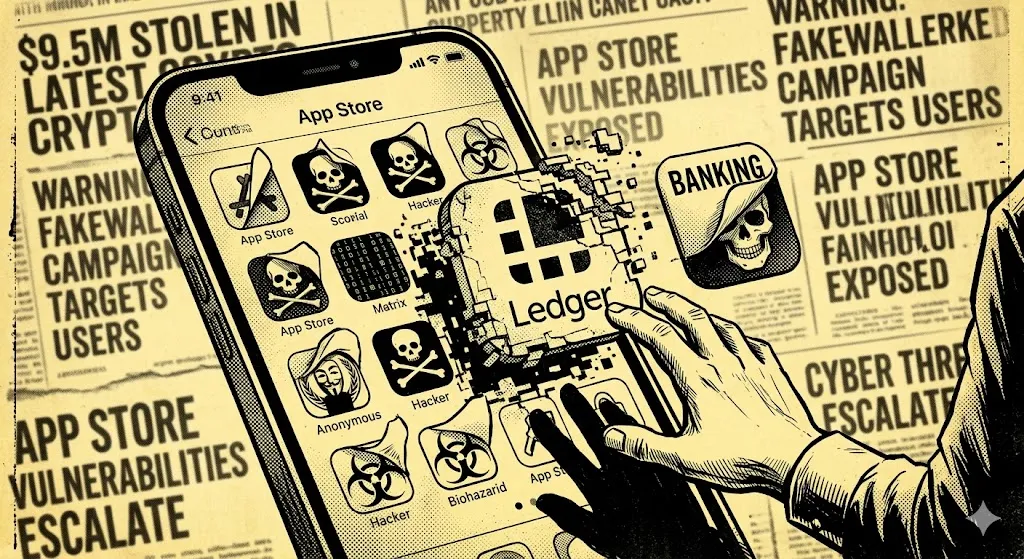
Kaspersky found 26 fake crypto wallet apps on the iOS App Store stealing seed phrases. A separate fake Ledger app drained $9.5M from 50+ victims in under a week via the AudiA6 mixer.
The App Store has had a strong reputation as a safe place for downloading apps. In that regard, it was believed that bad software won't make it through the review process. This reputation took a huge hit during April 2026 when security researchers uncovered 26 fraudulent cryptocurrency wallet apps on the App Store; furthermore, a fake Ledger app that stole over 9.5 million dollars from 50+ people in less than seven days. These incidents expose a major deficiency in App Store security that cryptocurrency users should be made aware of.
The FakeWallet Campaign
Kaspersky's Threat Intelligence team has closely analyzed a coordinated malware operation called FakeWallet. This operation has been traced back to the minimum time frame of Fall 2025 and is likely associated with the same actors previously known for SparkKitty — an iOS-based malware operation reported just a year earlier. The apps were designed to look exactly like and act the same as seven different popular cryptocurrency wallets (MetaMask, Coinbase, Ledger, Trust Wallet, TokenPocket, imToken, and Bitpie). They mimicked the visual appearance and laid out their interfaces so that they would pass casual scrutiny — and they were found mainly on the Chinese iOS App Store, where no official cryptocurrency wallets exist because of local regulations. Malicious actors sought to exploit this gap by creating their applications as games/calculators to pass Apple's initial review and switch to malicious action once installed.
How the Attack Works
Once users have installed the malicious app, it will redirect them to a web page made to appear like a legitimate Apple App Store page requesting them to download what is really a Trojanized version of a crypto wallet application. The page then prompts the user to install a developer profile (a legitimate, internal app distribution method for Apple) which, once approved, will install a Trojanized version of a crypto wallet on the user's phone. After installation has been completed the attack will proceed depending on the type of wallet being attacked.
If the wallet the victim is using is classified as a 'hot' wallet, the malware will intercept the creation or recovery screen of wallets waiting to capture exactly when a victim enters their seed phrase. If the malware is able to capture the seed phrase (and the victim would have no way of knowing that it has been captured), the malicious actors would have total, permanent control of the victim's wallet and everything stored within that wallet. There is no way to reverse this. The blockchain has no idea how the private key was obtained.
For wallets that fall into the 'cold' wallet category, such as Ledger, the malware will use a different attack vector to gain control over the victim's wallet assets. The legitimate Ledger smartphone application never asks for seed phrases and only interacts with the Ledger hardware device (the actual private keys are stored on that hardware device). The malware will create a fake version of the Ledger smartphone application and provide steps for verification purposes; the verification steps will ask for the victim's seed phrase to complete the verification process. This installation process is intentionally designed to abuse the victim's level of trust in the legitimate application to obtain secure access to their assets.
Captured seed phrases are encrypted using RSA and transmitted to attacker-controlled servers. Once funds are drained, recovery is not possible.
The Ledger Incident and the Financial Damage
Between April 7–13, a fraudulently created Ledger Live application on the macOS App Store defrauded over 50 different victims of over $9.5 million in total value. The three largest losses consisted of $3.23 million in USDT, $2.08 million in USDC, and $1.95 million in combined BTC, ETH, and stETH types. $7.76 million of the stolen funds were transferred through 150 separate KuCoin deposit addresses and were laundered via a centralized mixing service called AudiA6 that was designed to obfuscate any trace of transaction activity. One of the victims reported losing the equivalent of 5.9 BTC (10 years of savings) after mistakenly downloading an official-looking version of the application while configuring his new computer.
Key Facts at a Glance
What Users Should Do
Following Kaspersky's responsible disclosure, Apple removed 25 out of 26 of the FakeWallet applications prior to its research publication. After a report of theft was made public, Apple removed the fraudulent macOS Ledger application.
According to Kaspersky, you should not install any developer profile that is not authorized by your employer for a legitimate business purpose. You should also not enter your seed phrase into any app that requests it from you unexpectedly since actual wallet applications will never request a seed phrase without the use of their physical hardware devices. You should also verify the publisher of each application you download by checking the developer's official website before downloading the application whether you are obtaining the application from the App Store.
The App Store is not free from compromise. This is a well-documented fact supported by evidence, not a theoretical concern buried within a security white paper which most users do not read.