Credit / Debit Card
Fee
Variable Fees
Processing Time
Usually within 1 minute, up to 48 hours
Minimum Purchase Amount
Starting from approx. 10–15 USD
Supported Regions
Subject to region, fiat currency, issuing bank, and payment channel support



Learn how to buy Sekuya Multiverse (SKYA) on LBank, including payment methods such as credit cards, debit cards, Apple Pay, and bank transfers, as well as the purchase process, preparations, and FAQs.

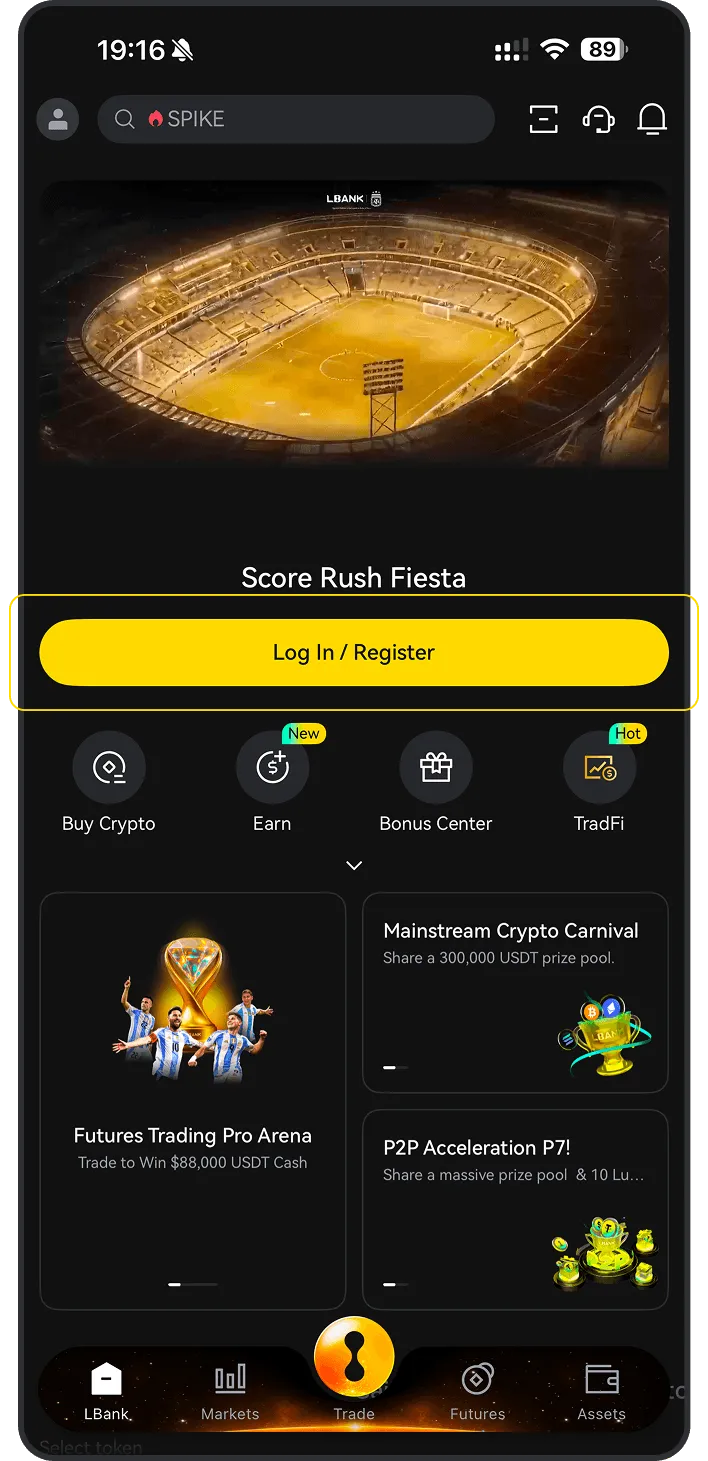
Explore the available payment methods for buying SKYA on LBank, including credit card, debit card, bank transfer, Apple Pay, Google Pay, PayPal, and P2P, to quickly choose the most suitable way to buy SKYA.
Check the preparations required before buying Sekuya Multiverse (SKYA) on LBank, including account registration, identity verification (KYC), payment methods, regional availability, and pre-purchase precautions to help you smoothly complete the BTC purchase process.
Before you begin, decide how you’d like to pay:
If you're new to crypto, using fiat currency (such as USD, EUR, etc.) is the easiest way to buy Sekuya Multiverse. LBank supports various payment methods, including debit cards, credit cards, bank transfers, and other local payment options where available. You may need to fund your LBank account before making a purchase.
If you already hold other cryptocurrencies, you can trade them for Sekuya Multiverse on LBank. Please make sure that LBank supports the trading pair you need (e.g., Bitcoin (BTC)). LBank offers a wide range of trading pairs, allowing you to conveniently convert your existing crypto into Sekuya Multiverse.
You can use the following payment methods to purchase Sekuya Multiverse on LBank:


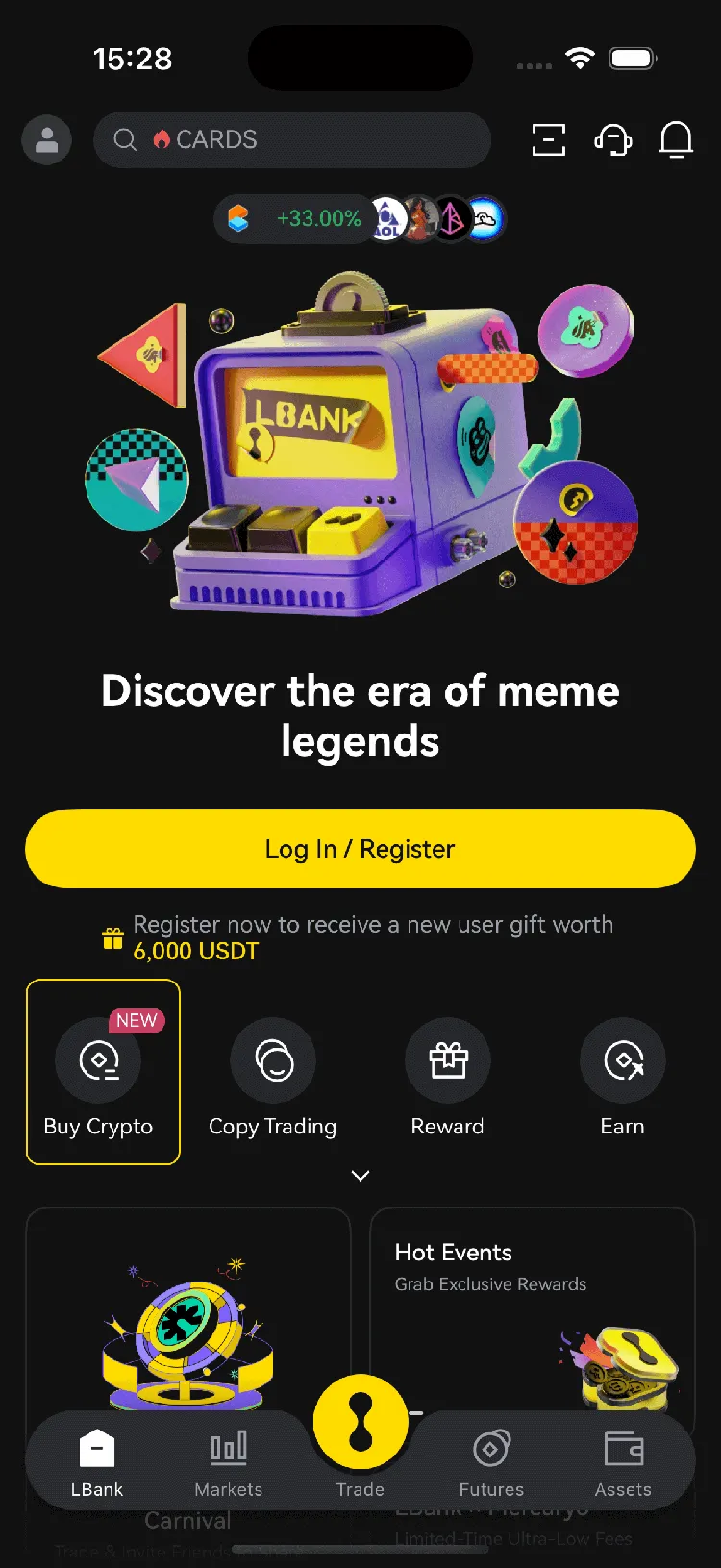
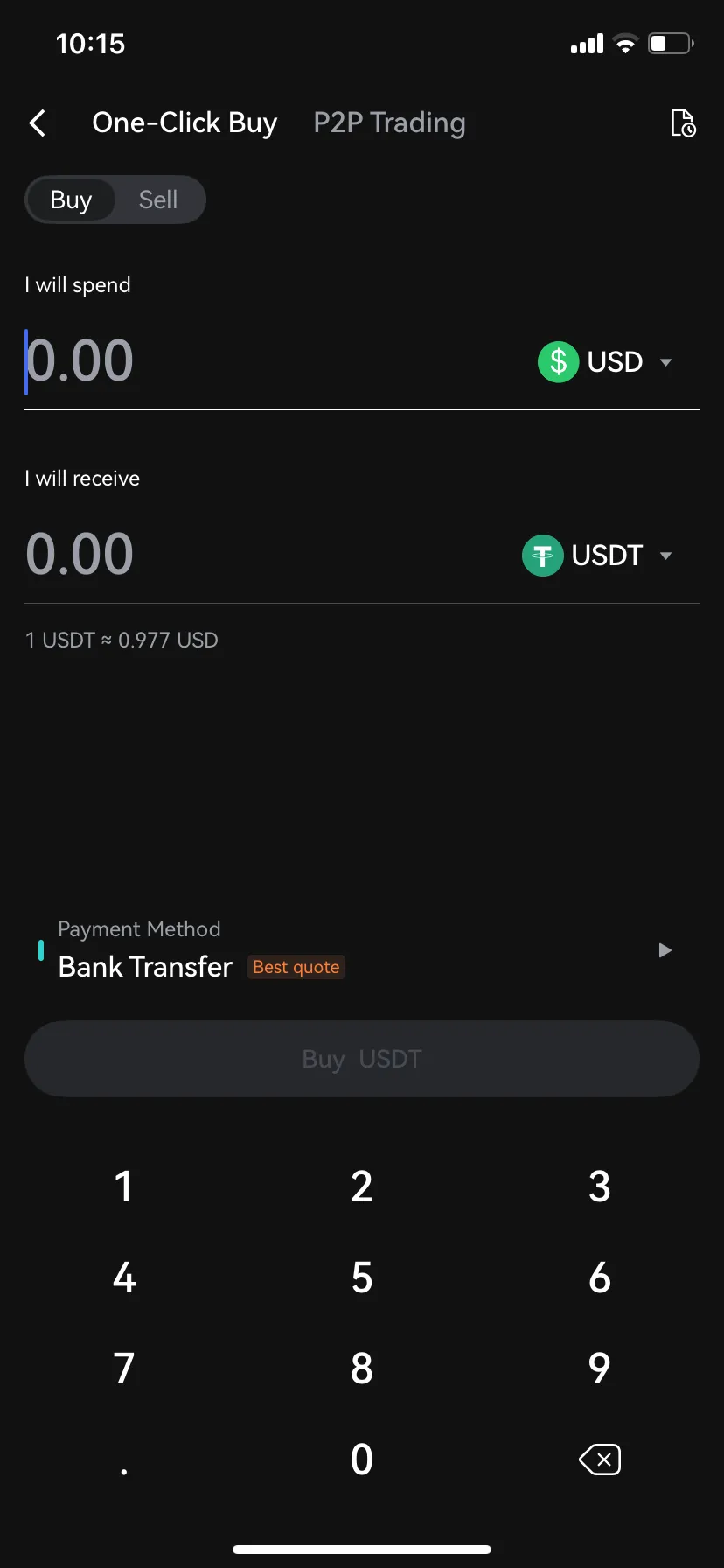
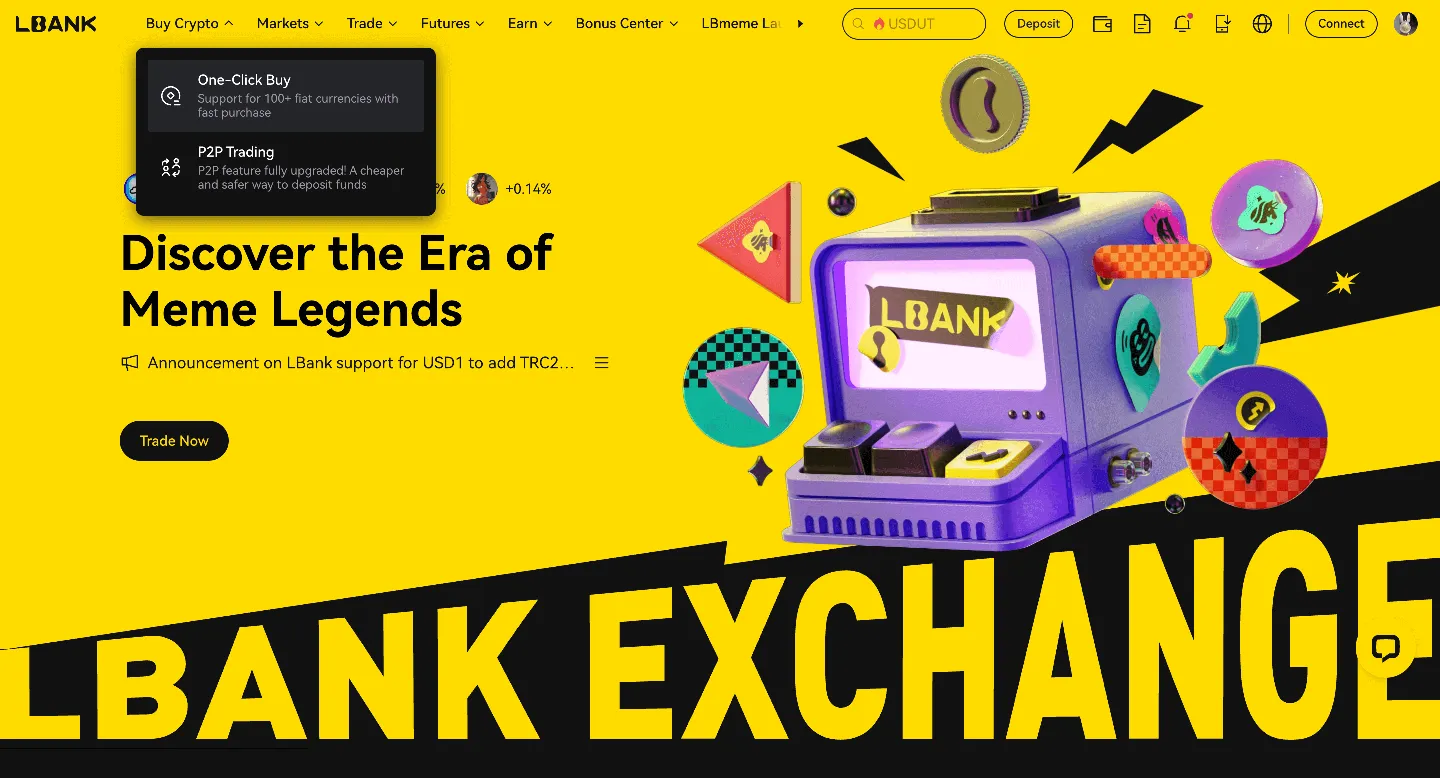
(a). Choose the fiat currency you want to use
(b). Select the Sekuya Multiverse you want to purchase
(c). Enter an amount or use quick-select options (e.g., 100, 200, 500, max)
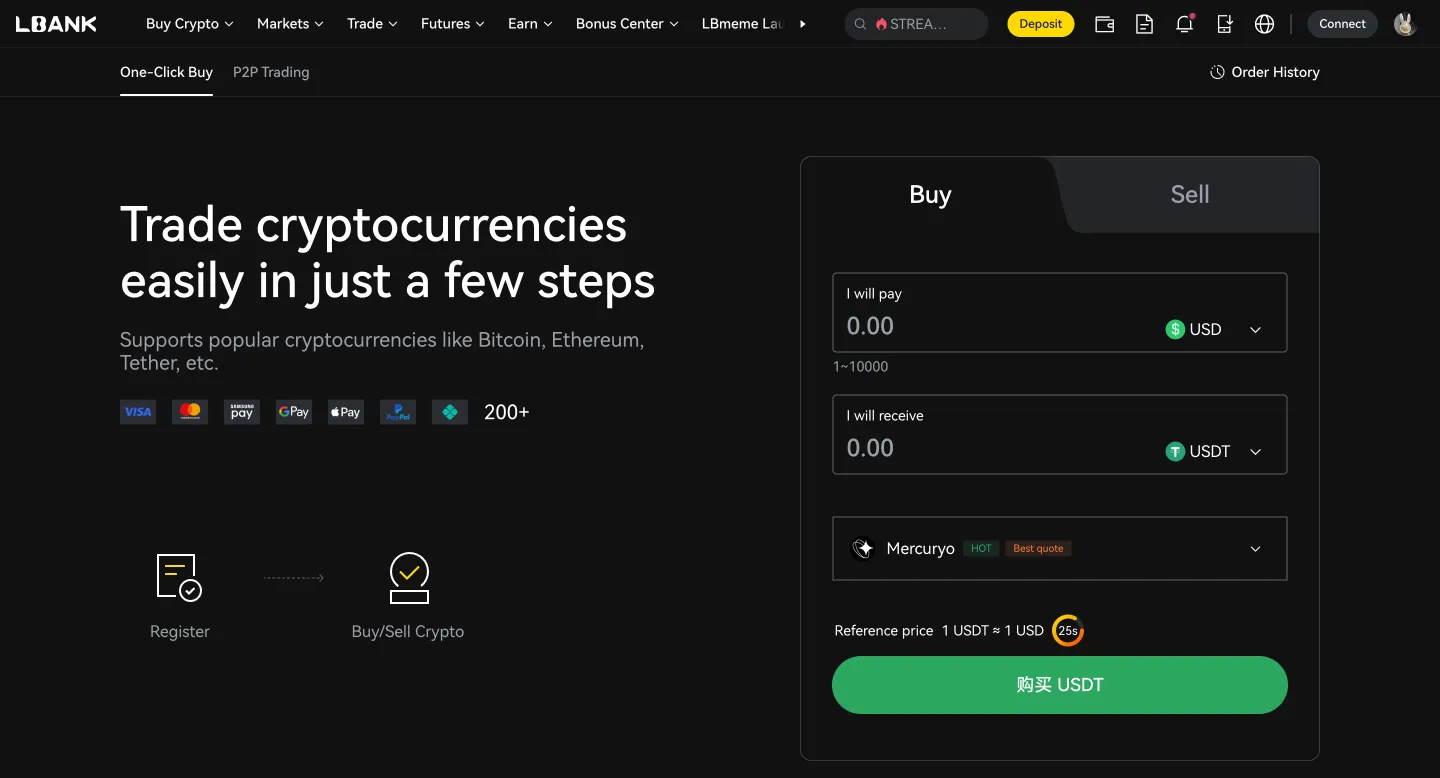
(d). Choose your payment method
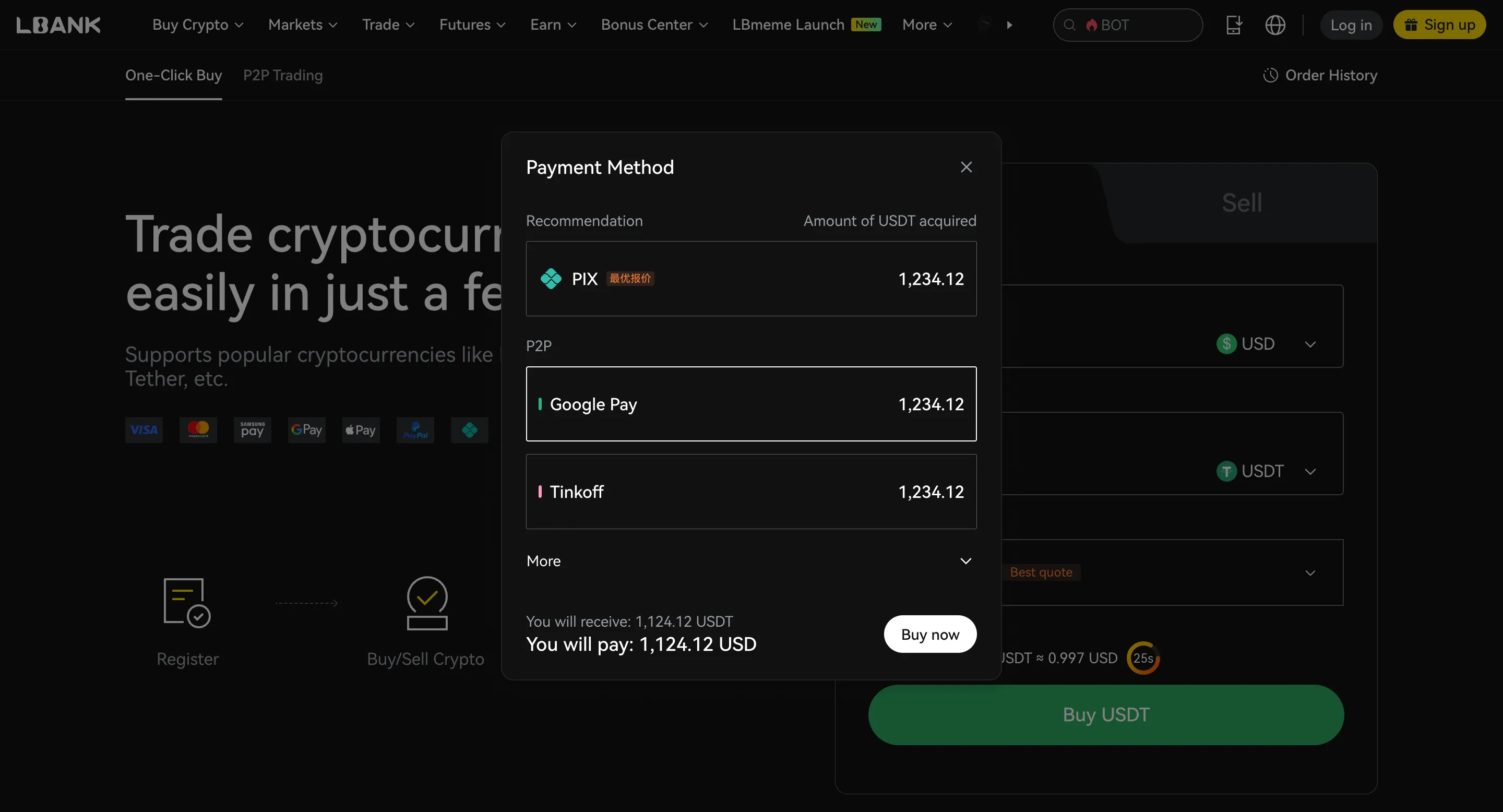
(e). Click “Confirm” or “Buy now”
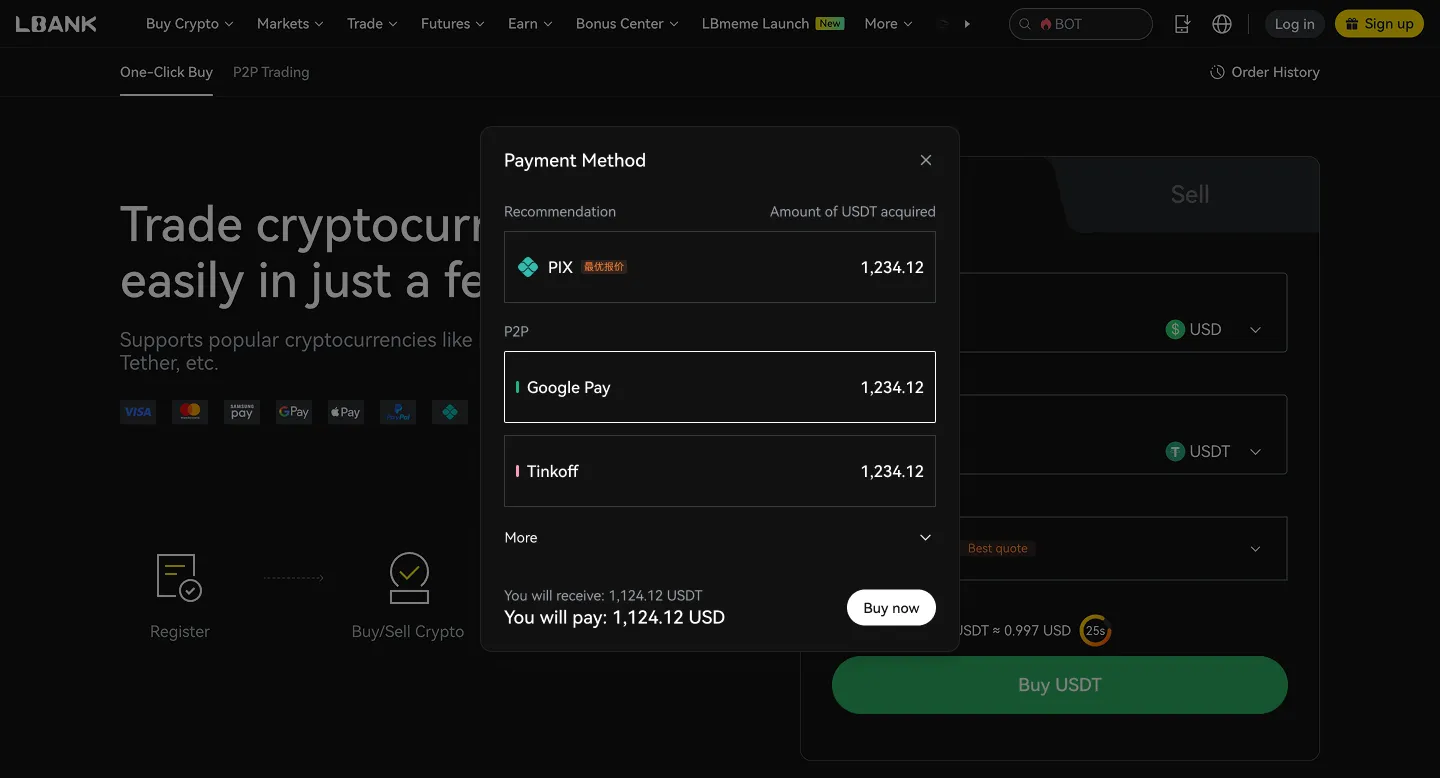
Merchant | Price | Amount | Limit | Payment Method | Action |
|---|---|---|---|---|
YY YYDS_Trader 474 min | 100% | 0.927 USD | 12967.35 USDT 500.000 - 10000.000USD | Bank Transfer | |
RO RolexTrading 385 min | 100% | 0.936 USD | 2070.46 USDT 93.600 - 1937.950USD | Bank Transfer | |
FA FAST BUY SELLER_MY 497 min | 100% | 0.954 USD | 2969.07 USDT 50.000 - 2832.492USD | Bank Transfer |
Whether Sekuya Multiverse (SKYA) is a good investment depends on your personal financial situation and risk tolerance. Cryptocurrency investments are speculative and can be highly volatile.




Compare fees, transaction limits, and estimated processing times across different payment methods. Actual fees and availability may vary by region, fiat currency, payment method, and third-party providers. Please refer to the order page for final details.






After buying SKYA, you can choose a storage method based on your usage frequency, holding period, and security needs. If you need to trade at any time, you can store it in your LBank account. If you prioritize self-custody or long-term security, consider using a personal wallet or a hardware wallet.